Local SEO
Google Business Home: What the New Gemini Dashboard Means for Local Businesses
Google is testing Business Home, a hub built with Gemini that pulls Business Profile, Google Ads, YouTube, and Merchant Center into one place. It is invite-only for now. Here is what is confirmed, and what to fix before your invite arrives.
By Travis Avery · September 26, 2026 · Updated September 26, 2026 · 9 min read
Key takeaways
- Business Home is a closed, invite-only beta in the US. Google's help center confirms it. Most businesses do not have it yet.
- It connects Business Profile, Google Ads, YouTube, and Merchant Center, and adds a Gemini-built assistant called Ask Advisor.
- The dashboard only reports what your accounts already hold. Messy profile data and broken tracking come through just as messy.
- Use the assistant to find things faster. Keep the decisions about spending, hours, and replies to customers with a person.
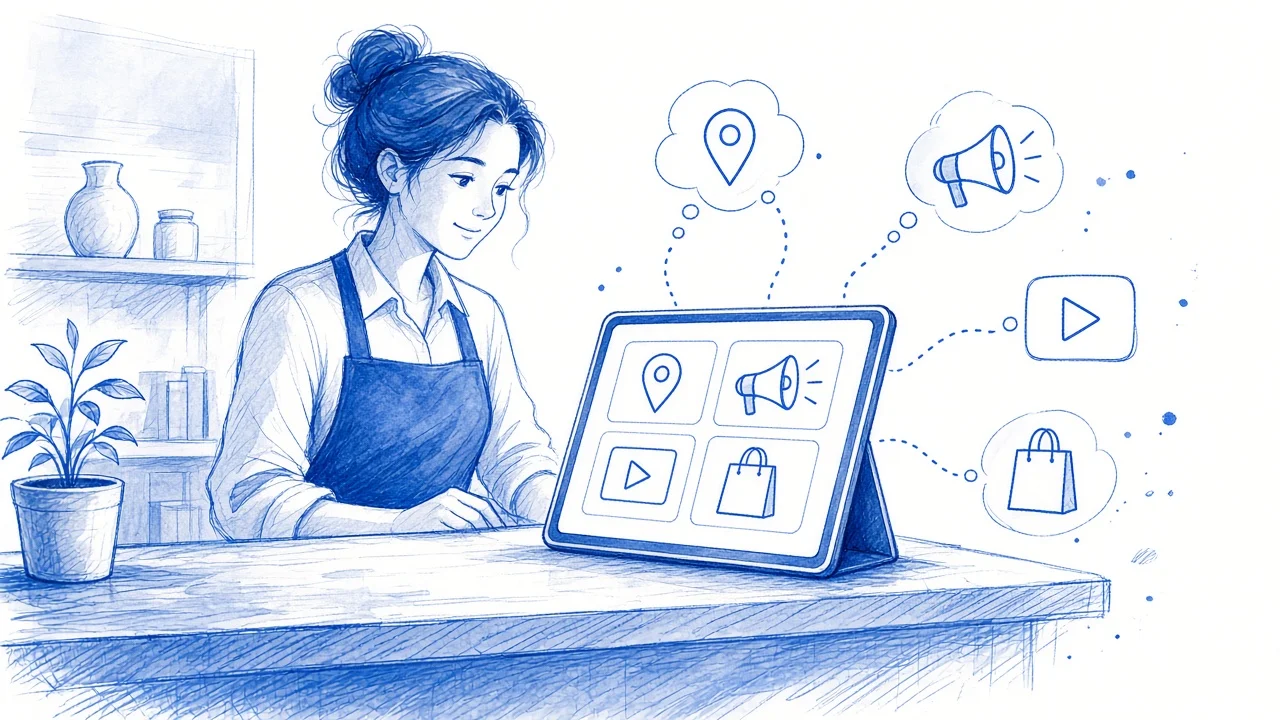
Local SEO folks on X spent this week sharing screenshots of a new Google dashboard called Business Home: one Gemini-powered screen that joins your Business Profile, Google Ads, YouTube, and Merchant Center.
That part checks out. Google has published a Business Home help center that describes the product, who can join, and what it does. What it has not done is open it to everyone. It is a closed beta, and you get in by invitation.
So this is not a “drop everything” moment. It is a preview of where Google is taking the tools a local business owner already uses. The businesses that benefit will be the ones whose data is clean before the invite arrives.
What Google Business Home is
Google Business Home.
A beta hub from Google, built with Gemini models, that connects a business’s Google tools (Business Profile, Google Ads, YouTube, and Merchant Center) in one place. It includes combined performance reporting, location management, posting, AI image tools, and a chat assistant called Ask Advisor.
Today, a typical HVAC company or dental office sees its Google presence in pieces: profile edits in Search or Maps, ad spend in Google Ads, videos in YouTube Studio, products (if any) in Merchant Center. Business Home puts those pieces behind one front door. Google calls it a “growth partner.” In practice, it is a dashboard with an assistant attached.
What we know so far
Here is what Google’s own documentation confirms, and what is still only reported.
Confirmed by Google’s help center:
- Closed beta, US only. Google says Business Home is “currently a closed beta experience, available only to select business categories and locales.” Eligible businesses get an email invitation. (About the Business Home beta)
- Eligibility is narrow. You need a US-based business, owner or manager access to a verified Business Profile with fewer than 10 locations, and only one type of business per account. You can link at most one YouTube channel, one Google Ads account, and one Merchant Center account. (About the Business Home beta)
- One Performance page. Cards for ad campaigns, website, Search and Maps, reviews, and posts, with alerts for drops and spikes. Google warns numbers may differ slightly from tools like Google Analytics. (Understand your business performance & insights)
- Ask Advisor, a built-in chat assistant. It answers performance questions and can update profile details like hours, attributes, photos, and review replies. Google’s own note: it “may not generate accurate or relevant responses.” (About Ask Advisor in Business Home beta)
- Location management. Edit address, phone, hours, services, and photos, and reply to reviews and messages. (Manage your Business Profiles in Business Home beta)
- Posting to Business Profile and YouTube from one screen, plus a “Creative lab” that generates and edits images. (Create & manage posts, Creative lab)
Related and already rolling out: Since June, Google has been letting owners (outside the EEA and UK) connect a Business Profile to the Gemini app to ask about performance, draft review replies, and update hours (Google’s announcement, help page). Business Home reads like a fuller version of the same idea.
Reported, not confirmed: Early screenshots on X (around September 25) show a Performance page with sections for engagement, searches that led to the business, trending search terms, and an “Ask anything” box with sample prompts like “Why did my impressions decline?” Google has not published a launch announcement, rollout date, or list of eligible categories, so we won’t guess.
What actually changes for a local business
If you get an invite, three things will feel different.
One place to look. Most owners never see Google Ads and Business Profile insights side by side. Business Home does that, so a slow month reads as one story instead of four.
Plain-English questions. “Why did calls drop?” is exactly what the assistant is for. For an owner who will never learn the Google Ads interface, that is useful.
Posting in one step. A Business Profile post and a YouTube post can go out together. You still edit or delete them on the platform where they were published.
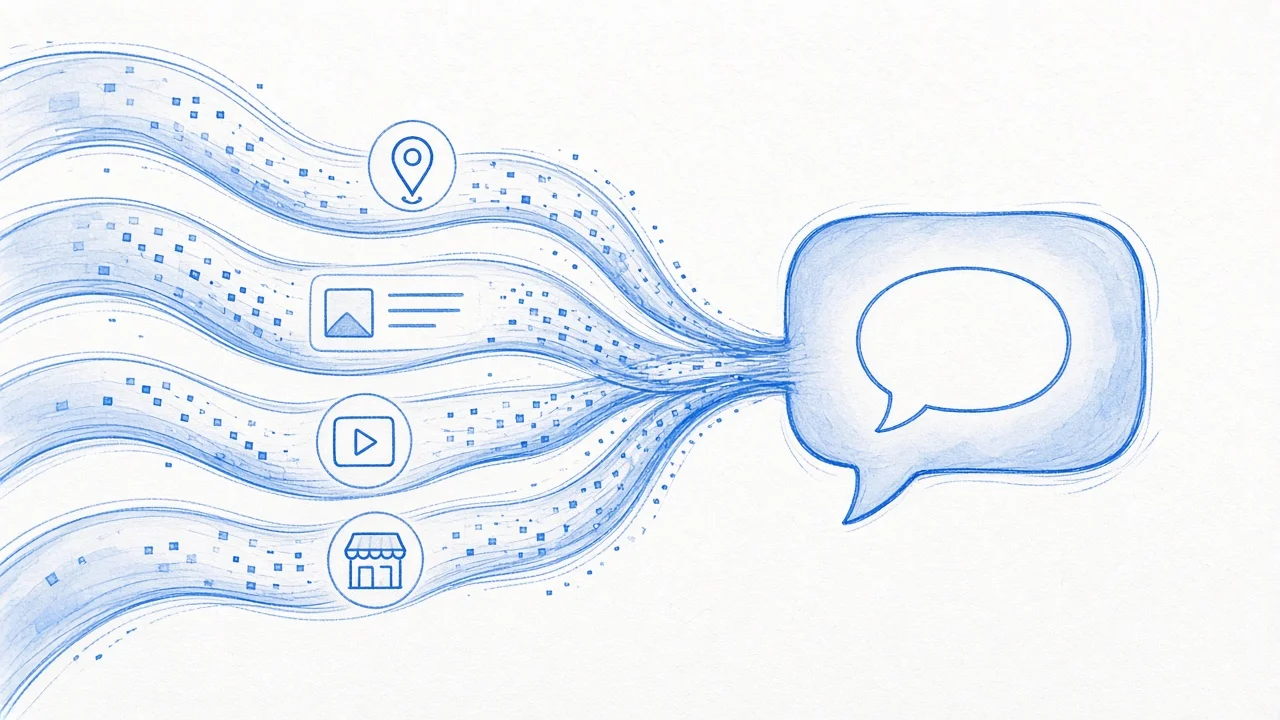
What does not change: the dashboard reads what your accounts already contain. If your profile lists the wrong hours, the assistant will summarize the wrong hours with total confidence.
What to do now, invite or not
None of this requires beta access. All of it pays off either way.
1. Tighten your Business Profile. Check the primary category, services, service area, hours (holiday hours too), phone, and website link. Make sure they match your site word for word. Business Home and Gemini both lean on this data. So do AI answers in search. Our local SEO work starts here for a reason.
2. Sort out who owns what. Business Home can only connect tools you have access to, and only one of each. Many small businesses have a Google Ads account a former agency set up, a YouTube channel in an ex-employee’s name, and a Business Profile owned by a personal Gmail. Find out who owns each one now. Move ownership to an account the business controls.
3. Fix conversion tracking before trusting any AI summary. According to Google’s help page, the Google Ads numbers shown in Business Home today are impressions, clicks, click-through rate, and cost. Conversions are not listed. And the Business Profile “Calls” metric counts taps on the call button, not answered calls or booked jobs. If you want to know whether ads are producing customers, you still need real call tracking and goals in Google Ads, plus a website that turns visits into calls. See why websites lose customers before they call.
4. Get ready for answer engines. Business Home is Google’s internal view. Customers are also asking ChatGPT, Gemini, and AI Overviews who to call, and those answers depend on clear service pages and consistent facts. Start with our AI search readiness checklist, or see how answer engine optimization differs from classic SEO.
5. Decide who approves AI changes. Ask Advisor can change hours, attributes, and review replies. Pick one person who reviews every change before it goes live. If the real bottleneck is follow-up after the call-button tap, that is an automation problem, not a dashboard one.
Don’t let the summary replace judgment
An assistant that explains why impressions dropped is handy. One that explains it wrong, confidently, is expensive.
A few habits keep the tool useful:
- Treat summaries as a starting point. “Impressions fell 20%” is a fact. “Because of seasonality” is a guess. Check it against your call log and booking calendar.
- Don’t let it set your ad budget. The dashboard shows spend, but it doesn’t know your margins, your crew’s capacity, or that you’re booked out three weeks.
- Read review replies before they post. A generic reply to a detailed complaint looks worse than no reply.
- Remember the review summaries are a sample. Google says review highlights and lowlights come from a sample of 100 reviews.
This is the same lesson from our list of AI mistakes small businesses make: the tool is rarely the problem. Handing it decisions nobody has checked is.
If you haven’t been invited (most of you)
That is normal. The beta is closed and invite-only, and Google’s help pages list nothing to sign up for. Meanwhile, the Gemini app’s Business Profile connection is the closest thing you can use today (outside the EEA and UK). Same rule: check before you trust it.
The bigger point is direction. Google wants owners to run their Google presence by talking to one assistant. That assistant is only as good as the data behind it: your profile, your tracking, your website, and how fast someone answers the phone. If those are solid, Business Home will be a nice upgrade. If not, it will show you the same problems on a nicer screen.
Related reading
- Is Your Local Business Ready for AI Search?
- AEO vs. SEO: What Local Business Owners Actually Need to Know
- 7 Reasons Your Website Is Losing Customers Before They Ever Call
FAQ: Google Business Home
What is Google Business Home?
Business Home is a beta hub from Google, built with Gemini models. It connects your Business Profile, Google Ads, YouTube, and Merchant Center in one place, with combined performance reporting, location management, posting, and an AI assistant called Ask Advisor.
How do I get access to Google Business Home?
You can't sign up yet. Google describes it as a closed, US-only beta for select business categories. Eligible businesses receive an email invitation. Eligibility requires a verified Business Profile with fewer than 10 locations for one type of business.
Does Business Home replace my Google Business Profile?
No. It is another way to manage the same profile, which still appears on Search and Maps and can still be edited there.
Do I need Google Ads or Merchant Center to use it?
Google's eligibility rules center on a verified Business Profile. Ads, YouTube, and Merchant Center are optional tools you can connect, one account each. A service business with no online store can skip Merchant Center.
Can I trust the AI's explanations of my performance?
Use them as a starting point. Google says Ask Advisor may give inaccurate answers and tells you to check suggestions first. Compare its explanations with your call log, bookings, and conversion tracking before changing spend or hours.
Is this the same as connecting Business Profile to the Gemini app?
They are related but separate. Since June 2026, owners in most regions outside the EEA and UK can connect a Business Profile to the Gemini app. Business Home is a separate beta dashboard that also brings in Ads, YouTube, and Merchant Center.